How it works
There's no setup ritual and no dashboard to learn. You send a document, you get a consultant's read on it, and you decide what to do — four steps, start to finish.
Step 1 of 4
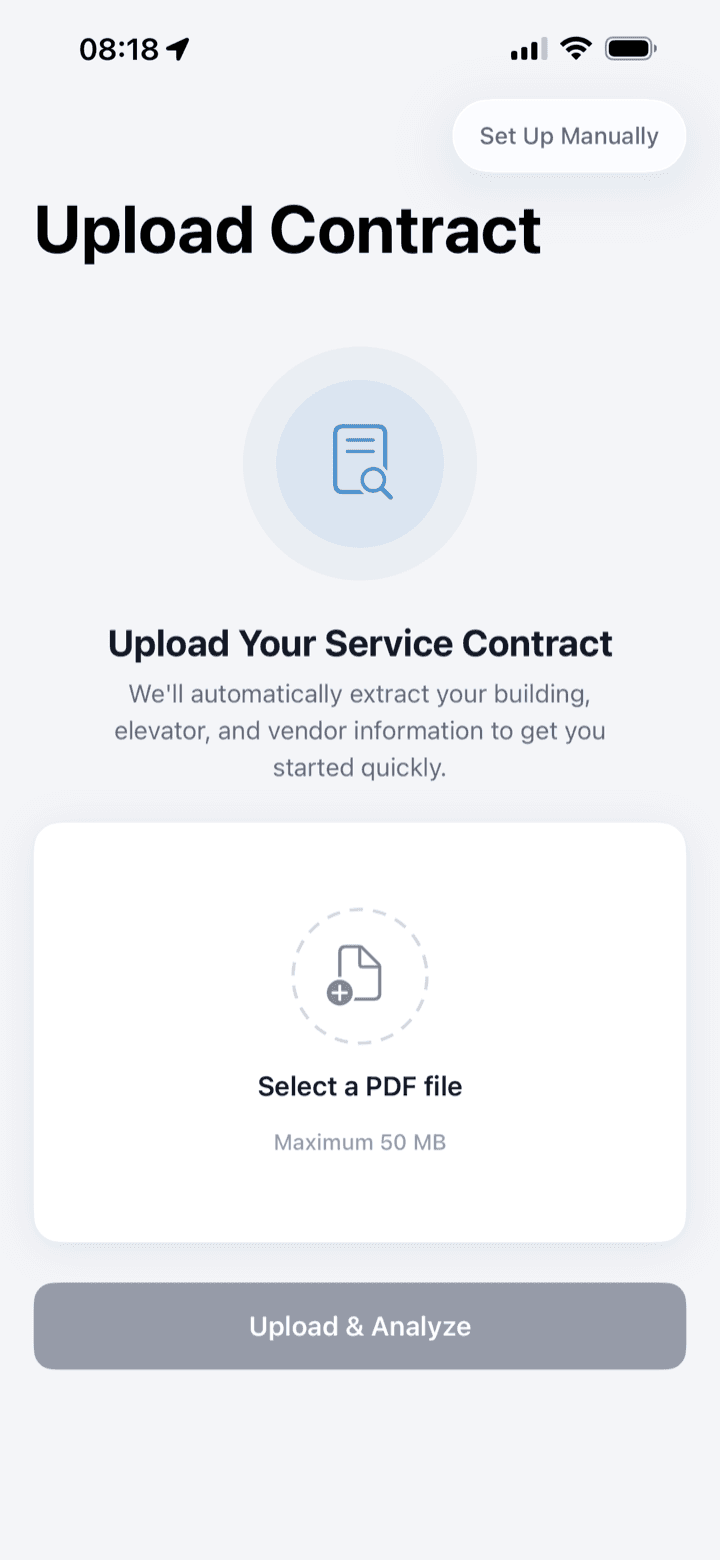
Upload
You send in the document — a maintenance contract, a repair proposal, or an invoice — straight from your phone. Nothing to format, nothing to retype.
Step 2 of 4
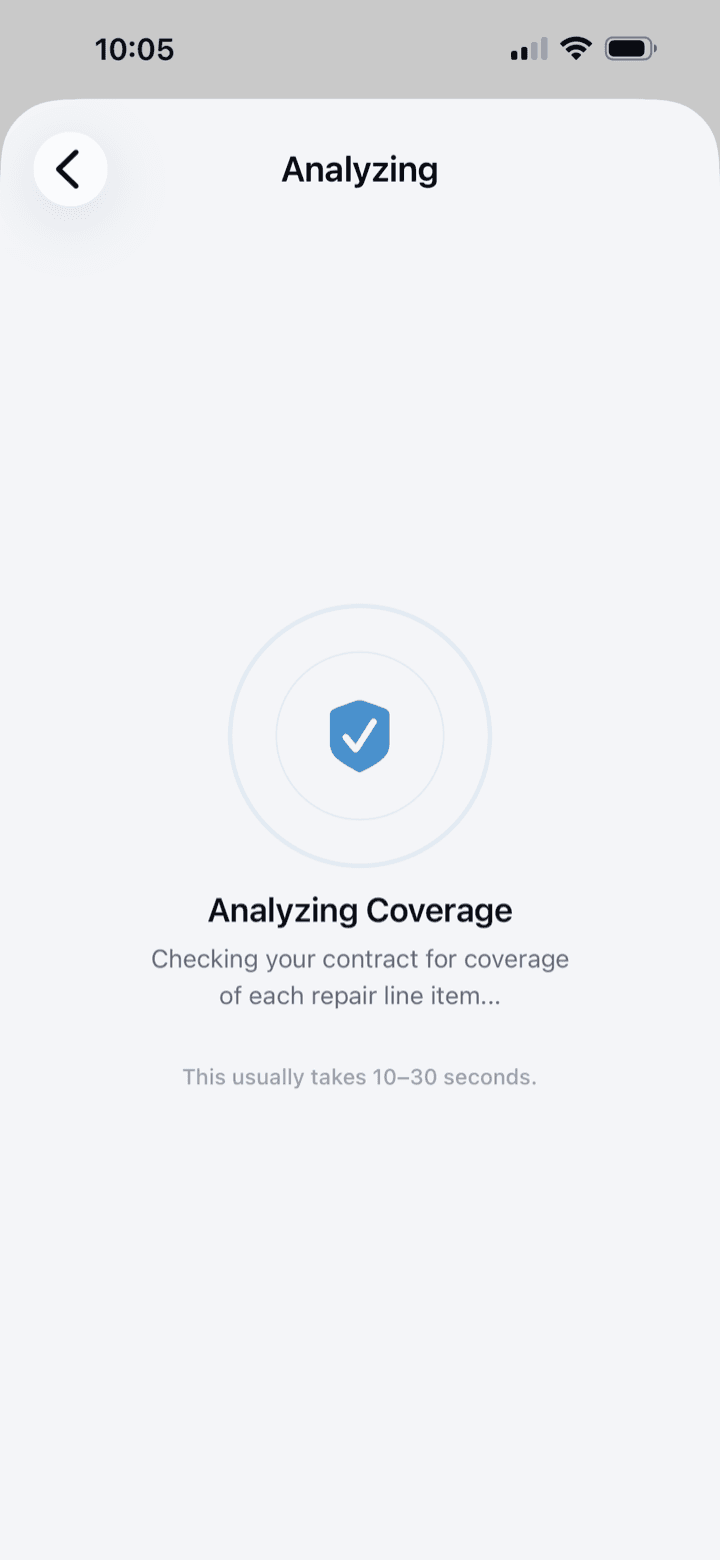
Analyze
Our application reads the document against your contract, benchmark pricing, and the code requirements that apply. You don't run anything — it works while you move on.
Step 3 of 4
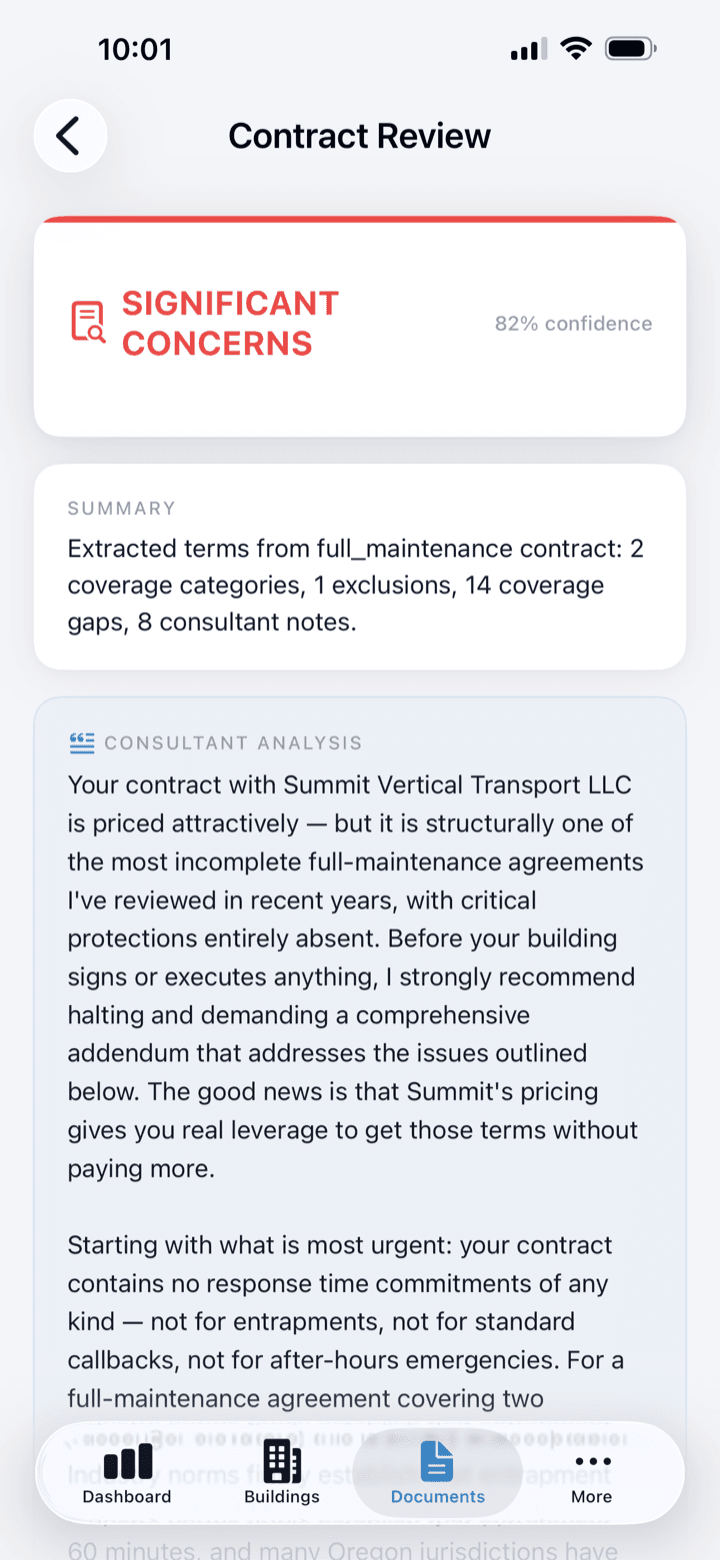
Read consultant findings
The findings come back as a plain-language verdict, not a data dump — coverage gaps, unfair markups, and the clauses worth a second look. Each point cites the contract line or benchmark behind it.
Step 4 of 4
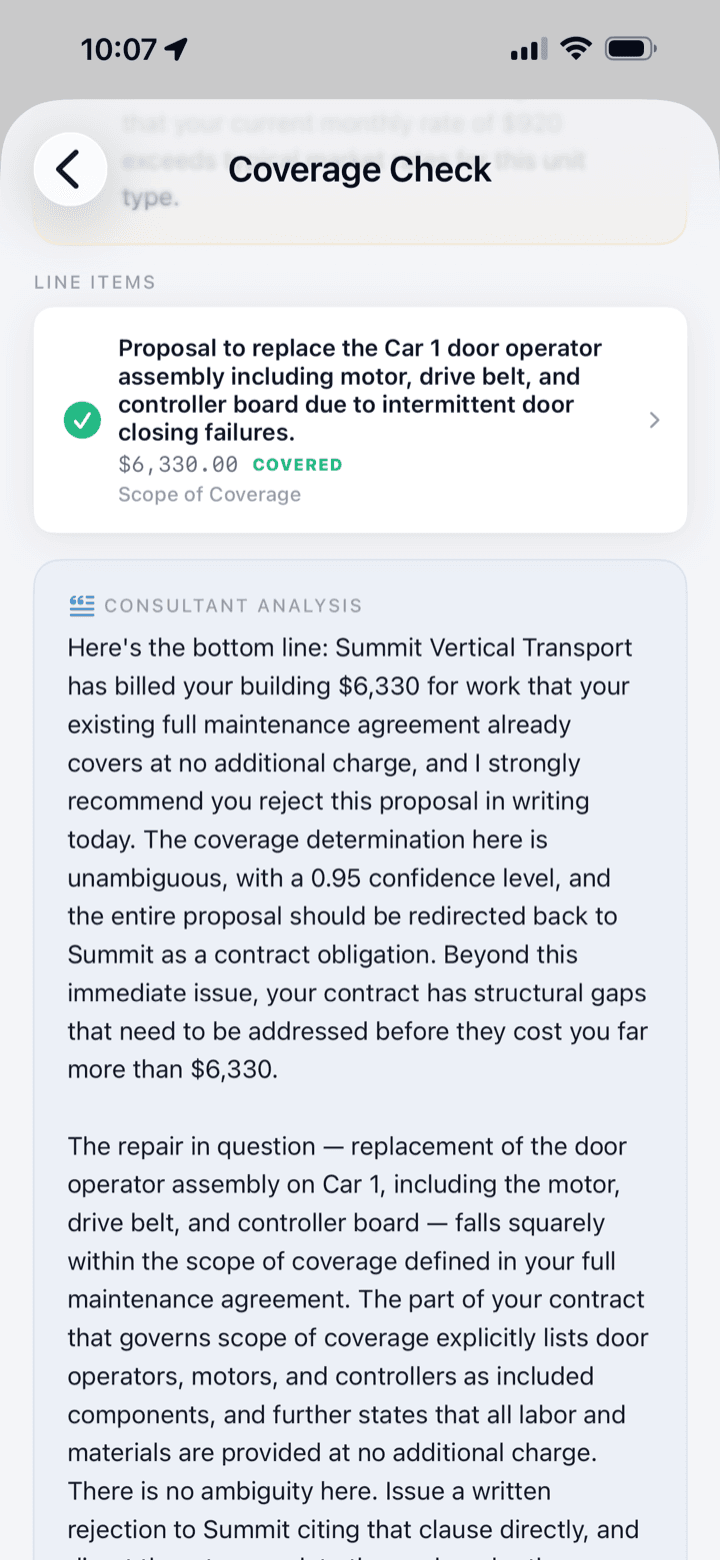
Act on recommendations
You walk into the vendor conversation with an opening position, a walk-away number, and the findings to back them. The recommendations tell you what to dispute, what to renegotiate, and what to let stand.
Join the ElevatorIQ beta waitlist.
We'll email you when a TestFlight slot opens.